



Put any two of the best data observability tools side by side and the feature lists are nearly identical. They all watch freshness, volume, schema and lineage on their own, and they all promise to tell you a table stopped updating before somebody spots it in a dashboard. That part of the pitch is settled.
What actually separates them is duller. Can you see the price? Can you try it without booking a call first? Will it talk to the orchestrator you already run? Six of the nine tools below keep the product behind a demo request, a registration form or a sales-assisted tier. For software whose entire job is making data trustworthy, that is a strange way to behave, and it ended up shaping this whole list.
So this data observability tools comparison sticks to things you can check for yourself: what each vendor puts in writing, what its customers say once they have lived with it, and which kind of team it actually suits. Every claim links back to the page it came from.
9 Best Data Observability Tools: Quick Comparison
| Tool | Best For | Public Reviews | The Catch | Starting Price | Access |
|---|---|---|---|---|---|
| 1Metaplane | Coverage this afternoon | G2: anomalies found with no rules written, alerts too sensitive | Noisy until tuned, and now a Datadog product | $0 free tier, Pro usage-based | Free tier, no card |
| 2Soda | Checks that already run in CI | G2: solid as code, paid tiers wanted more turnkey testing | Free tier hides the SPU rate | $750/month (Team) | Free tier, no card |
| Algoscale | Getting it into production | No G2 listing: case-study evidence only | Not a product, a scoped engagement | Scoped engagement | Consulting |
| 3Sifflet | Alert triage, not more alerts | G2 + Reddit: triage and docs praised, ML thresholds twitchy | Custom monitors are the common complaint | Not public | Self-serve Entry tier |
| 4Monte Carlo | The widest coverage here | G2 + Reddit: freshness and schema alerts just work, access model narrow | No price and no trial | Not public (credits) | Sales call only |
| 5Elementary | dbt-native teams | Reddit + G2: smooth setup, no alert flood, UI gaps | No dbt, no Elementary; caps at 3K tables | Not public (OSS is free) | Open source + 30-day trial |
| 6Acceldata | Hybrid and on-prem estates | G2: alerting at every pipeline stage, deployment is slow | The trial is the cost product, not this one | Not public | Trial on the cost product only |
| 7Anomalo | Alerts a non-engineer reads | G2: non-engineers read it, models need fine-tuning | No pricing page at all | Not public | Demo request only |
| 8IBM Databand | Airflow and Spark incidents | G2: easy on simple pipelines, complex DAGs overwhelm | Folded into watsonx.data | Not public | Registration-gated trial |
| 9Bigeye | Reporting upward to owners | G2: concepts simple at a glance, sales overpromised | /pricing returns a 404 | Not public | Demo request only |
Scroll the table sideways for public reviews, price and access.
Not sure which of these fits your stack?
Tell us what you are running today and what you need it to do. We will tell you which of these we would pick, and why. We are not going to pitch you.
How We Researched These Data Observability Tools
We did not run these tools. Six of the nine keep the product behind a demo request, a registration form or a sales-assisted tier, and it would be dishonest to pretend otherwise in a post whose main complaint is that this category hides too much. What we did instead was read everything each company publishes, read what its customers say in public, and show you the pages we read.
The shortlist came out of the search results. We took the nine sources currently ranking for this topic, which is six vendor and press listicles, both of Google’s AI Overviews and a practitioner thread in r/dataengineering, pulled every tool they named, and counted the mentions. Monte Carlo turned up in seven of the nine. Acceldata, Bigeye, Metaplane and Soda each turned up in five. Two tools are here against that count: Sifflet, because a named practitioner in the top thread describes using it in detail and the only other first-page source that names it is the AI Overview for the “best” variant, and Elementary, because it is the open-source project in this category with a hosted product behind it.
Then came the reading. Every pricing page. Every integration catalogue we could find. The compliance statements, and the GitHub repository where there was one. 19 user reviews on G2 across the nine products, and three practitioner threads. 27 sources in all. When a vendor says nothing about something, whether that is its integrations, its compliance posture or how many tables it can handle, we say so in the entry. We have not filled any of those gaps with an estimate.
The order is editorial. The tool that suits the most teams comes first, which puts this list sharply at odds with the citation count. Monte Carlo gets cited more than anything else in the category and sits fourth here, because citations measure how far a marketing team reaches, and what we care about is how much you can find out before you sign.
What we weighed, heaviest first
- Can you see the price – the first thing any buyer needs, and the thing this category withholds most often, so it moves an entry further than anything else
- Can you try it before a sales call – a free tier or a real trial lets you disprove the pitch yourself, which beats any feature list
- Does it fit the stack you already run – your warehouse, orchestrator and transformation layer decide how much of this is plug-in work and how much is a project
- How long to the first useful alert – a tool that takes a quarter to configure has cost you a quarter of coverage, whatever the licence says
- Governance you can verify – SOC 2, GDPR and HIPAA are either on the site with the tier they apply to, or they are a conversation you have not had yet
- What users say after living with it – the same complaints repeat across reviewers, usually alert noise, customisation ceilings and deployment effort, long before any of it shows up in a demo
Data Observability vs Data Quality Testing: Which One Do You Actually Need?
This question decides whether you need a shortlist at all. Data quality testing is you writing down what should be true, such as this column is never null or this total matches that total, and a tool checking it on every run. dbt tests, Great Expectations and the other open-source data quality tools all work this way. You get exactly the coverage you thought to ask for, and nothing else.
Data observability comes at it from the other side. It learns what normal looks like for your tables and tells you when today is odd, including in ways nobody thought to write a test for. That is the pitch, and when it works it is genuinely useful: it catches the failure you did not see coming. An engineer in r/dataengineering put it simply a year ago: “dbt tests are a good start, but they don’t catch runtime weirdness. that’s where data observability helps.”
The search results muddle one thing badly, so it is worth clearing up. Data observability vs monitoring is not the Datadog or Grafana sort of comparison. Application and infrastructure monitoring watches servers, containers and request traces, so it answers whether the system is up and whether it is fast. Data observability watches what is inside your tables, so it answers whether the data that landed is correct and complete. Different telemetry, different buyer. If a page ranking for “open source data observability tools” lists Prometheus, Loki and Jaeger, it is answering the other question. The genuinely open-source data observability tools are a short list: Elementary, re_data and OpenMetadata. Great Expectations and Soda Core are open source too, but they are testing frameworks, so they only check the rules you write.
The catch is that anomaly detection carries a cost rule-based testing does not. Somebody has to look at each flagged anomaly and decide whether it is actually a problem. Another practitioner in the same thread, after running these tools across several projects, said none of them ever became indispensable, because “they are expensive, and there are mostly false positives”. He is talking about the category rather than one vendor, and his point is worth sitting with: the models need someone with domain knowledge to teach them, and if you have that person, you probably also have someone who could write decent tests.
There is a second cost that never comes up in a demo. None of these platforms replace your orchestrator or your transformation layer. They sit beside them, and the integration work is yours. In a separate r/dataengineering thread two years ago about what people dislike in this category, u/davrax put it this way: “Some (many) seem unaware that they are plugging into a broader tooling ecosystem for most customers – e.g. Soda or Monte Carlo aren’t going to replace an existing orchestration or transformation tool. That typically means sales sidesteps discussing the effort to integrate alongside them.” Then, separately: “The SSO tax is another one.”
| Your situation | What to reach for | Why |
|---|---|---|
| One warehouse, a handful of models, you know the data | dbt tests or Soda Core in CI | You can write down what should be true. A platform adds cost and alert volume, not knowledge. |
| Ingesting sources you did not build and do not control | A data observability platform | You cannot write tests for behaviour you have never seen. Baselines can. |
| Irregular schedules, seasonality, batch windows | A data observability platform | Freshness tests on a cron give you either noise or silence. Learned baselines handle the shape. |
| Failures are jobs dying, not rows drifting | Pipeline-first monitoring (IBM Databand, Acceldata) | Table-level detection finds the symptom hours after the orchestrator found the cause. Both of these are weak on transparency rather than on capability, and neither publishes a price. |
| Nobody available to triage an anomaly within a day | Stay with rule-based tests | An unanswered anomaly queue teaches nobody anything and gets muted inside a month. |
| Regulated data, lineage needed for audit, not debugging | A platform with column-level lineage | Rebuilding lineage by hand during an audit costs more than the licence. |

- A useful sanity check from the same thread: “I think they are overkill for the price, but I think some level of observability is essential.” Freshness and volume checks on your twenty most-used tables cost nothing and catch most of what hurts. Buy a platform when that stops being enough.
1. Metaplane: Best for Coverage the Same Afternoon You Sign Up
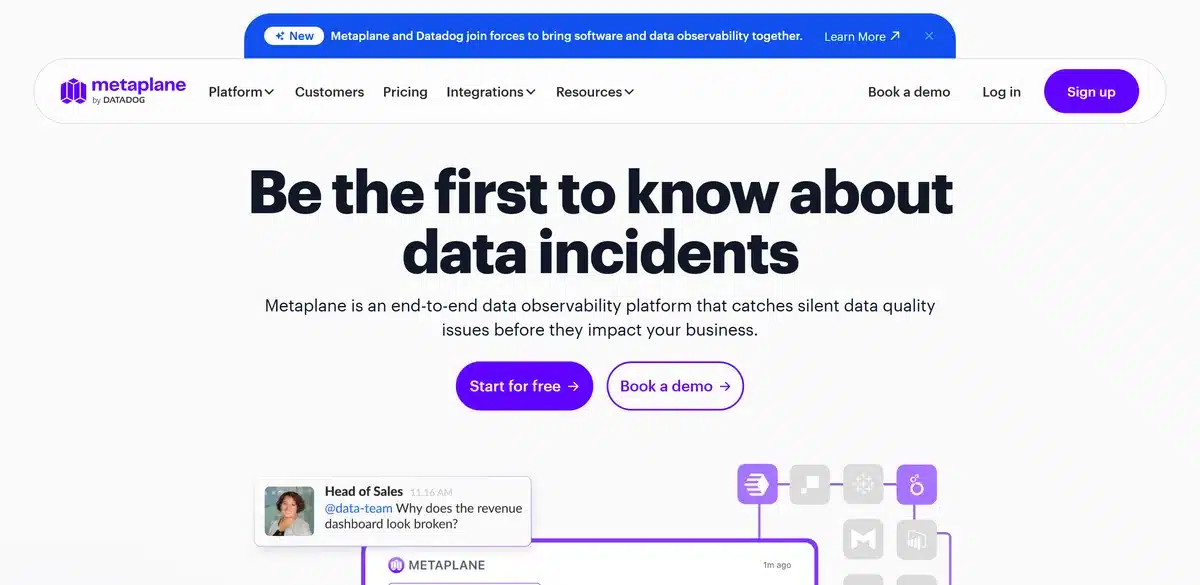
What it does: Anomaly detection across tables, columns, metrics and dashboards, with a free tier that never asks for a credit card. Datadog bought the company, so it now sells as Metaplane by Datadog.
Who this is for: Small data teams who need production tables watched before procurement can even start, and who can live with tuning the alerts down afterwards.
The free plan covers 10 monitored tables, takes no card, and lets you pick a plan after 14 days. That is why it opens this list. You can work out whether the alerts are any use before a salesperson has quoted you anything.
Pro bills per monitored table and only counts monitors that have been running longer than 30 days, which is a fair way to do it. Snowflake customers can pay with credits they already hold. The rate itself is missing, though, so you can guess the shape of the bill without ever guessing its size.

Key Features
- Free forever tier: 10 monitored tables, no credit card
- Anomaly detection across tables, columns, metrics and dashboards
- Usage-based Pro pricing per monitored table, payable with Snowflake credits
- SOC 2, GDPR and HIPAA on every plan including Free
- Billing counts only monitors running more than 30 days
Pros and Cons
Pros
- The fastest route from decision to monitoring of anything here
- 4.8 out of 5 across 116 G2 reviews, the highest rating in this comparison
- Compliance is not held back for enterprise buyers
- Detection covers dashboards and metrics as well as warehouse tables
Cons
- Alerts are noisy out of the box and need tuning, which reviewers say repeatedly
- Complex custom rules hit a ceiling quickly
- Now a Datadog product, which settles the question either way depending on your stack
- The Pro per-table rate is not published, so the bill is unpredictable until you count your tables
What Users Say
One drawback of Metaplane is that the initial setup and configuration can feel a bit time-consuming, especially when fine-tuning monitors for complex datasets.
Sanjay S., Software Development, Mid-Market on G2

Metaplane automatically detects anomalies in tables, columns, metrics and dashboards saving teams from manual checks.
Anila B., Software Development on G2
Pricing
Free is $0 forever with 10 monitored tables. Pro is usage-based per monitored table, with no published rate. Enterprise is custom. No credit card to start, and you decide on a plan after 14 days.
Bottom Line
If you want monitoring this week instead of this quarter, start here, and expect to spend the first fortnight turning alerts down. If you have been steering around Datadog on purpose, this is a Datadog product now, and that will matter more than anything on the feature list.
The free tier is real: 10 tables, no card, no call. Judge the alert noise yourself before anyone quotes you a price.
2. Soda: Best for Teams Who Already Run Checks in CI
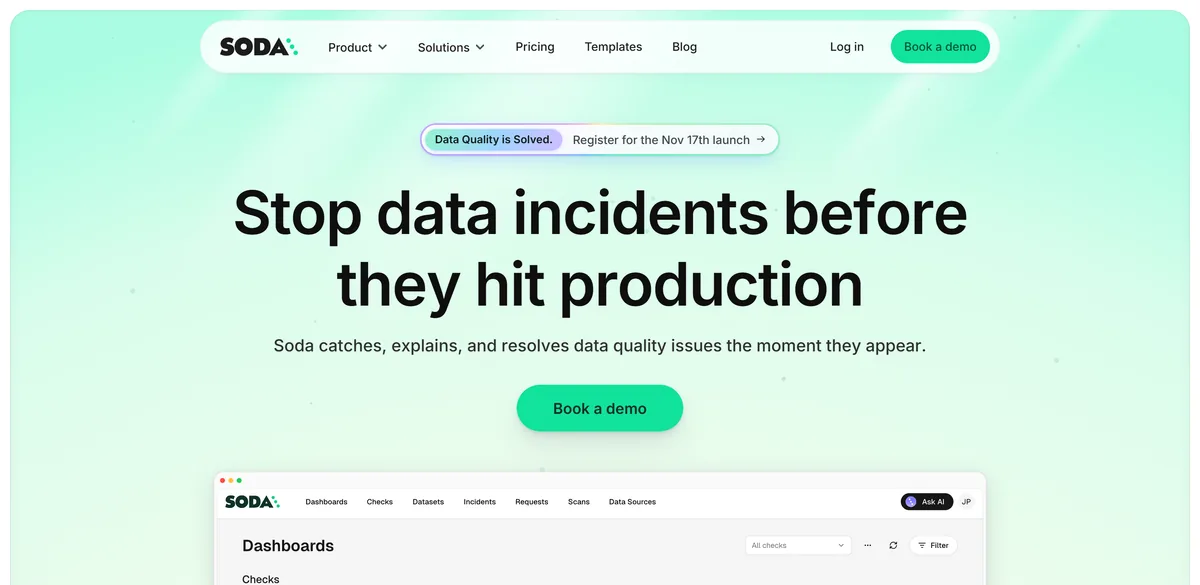
What it does: Soda Core keeps your data quality checks in version control. Soda Cloud watches the results, adds anomaly detection and data contracts, and routes the alerts.
Who this is for: Engineering-led data teams who already treat data tests as code and have to justify the line item before procurement will move.
Team is $750 a month. Free is $0. Enterprise is custom. After page after page of tiers that end in a Contact Sales button, seeing an actual figure is almost startling, and it is the one number on this page you can take straight to finance.
If your checks already run in Soda Core, Soda Cloud is the smallest step you can take. The same checks keep running and the platform starts looking for the anomalies nobody wrote a check for. Arriving cold, with nothing in Core yet, is a slower proposition.

Key Features
- Soda Cloud monitoring on top of checks that already run in CI
- Unlimited users on the free plan, with SPU-based overage
- Collaborative data contracts and a no-code interface on Team
- SSO, RBAC, audit logs and private deployment on Team rather than Enterprise
- Checks live in version control through Soda Core
Pros and Cons
Pros
- The only entry with a published monthly figure, so you can budget the base cost without a call
- SSO and RBAC sit on the mid tier instead of behind an enterprise negotiation
- Unlimited users even on Free, so the whole team can see the results
- The Core-to-Cloud path means existing checks keep working
Cons
- Reviewers want the paid tiers more turnkey, with more dynamic ML-driven checks
- Role-specific views are thin outside the engineering seat
- No compliance certification stated on the pricing page
- The SPU allowance and overage rate are both absent, so the bill is only half predictable
What Users Say
Soda’s paid offerings could be more turnkey in the sense of automated data quality testing, including integrating some more Machine Learning based Data Quality tests that are dynamic in nature.
Verified User in Information Technology and Services, Enterprise on G2
As a project manager with limited access, some advanced features feel underutilized or not entirely relevant to my daily tasks. It would be great if there were more simplified, role-specific views.
Verified User in Consulting, Enterprise on G2

Pricing
Free at $0 a month with unlimited users and pay-as-you-go SPUs. Team at $750 a month, which adds data contracts, a no-code interface, audit logs, RBAC, SSO, private deployment and premium support. Enterprise is custom. Annual billing and volume discounts get a mention with no figures attached.
Bottom Line
Soda rewards teams who already write checks in code. The anomaly layer lands on top of work you have done, and nobody has to sit through a procurement exercise to get it. Come to it cold, expecting the platform to do the thinking from day one, and you will find the mature half of this product is still the testing half.
Pick Soda if your team already writes checks in CI and finance wants a number before anyone books a call. $750 a month is the only published paid price in this category.
Algoscale: Best for Teams Who Need This Built and Handed Over
What it does: Algoscale is not a tool on this list. We are the data engineering team that implements them: the pipelines, the models underneath, the checks that run against them, and the handover to whoever owns it afterwards.
Who this is for: Mid-market and enterprise teams with a warehouse programme already running and no spare data engineers to wire observability into it.
The question after “which tool?” is nearly always “who is going to build this?” Buying a platform does not give you observability. It gives you a detector pointed at whatever your pipelines already do, including the parts that are wrong in ways the tool will quite happily learn as normal.
On an AWS warehouse modernisation for a security systems integrator, every pipeline shipped with “orchestration, retry mechanisms, business logic, alerting, and observability from day one, not retrofitted later”.

Key Features
- Pipeline and warehouse builds with monitoring included from the first sprint
- Checks and alerting designed around your data, not bolted on afterwards
- Migration and modernisation of estates that already exist
- Handover, so the team that owns it afterwards can run it
Pros and Cons
Pros
- Answers the question the rest of this list creates
- Observability designed in rather than retrofitted after the first bad Monday
- Platform-agnostic: whatever fits your stack, not whatever we resell
- Published case studies with outcomes you can read in full
Cons
- Not a product: no free tier, no download, no self-serve path
- An engagement is scoped work, so it costs more than a seat licence
- Overkill if you need alerting on one warehouse. Buy one of the tools above.
- No G2 listing, because consultancies are not reviewed where software is
What Users Say
Eliminated manual Excel reporting workflows entirely with data refreshes automatically twice daily with full pipeline observability.
AWS warehouse modernisation, security systems integrator on Algoscale case study
Pricing
Scoped per engagement. There is no list price, and a range quoted in a blog post would be a guess rather than a quote.
Bottom Line
This entry is for the case where the tool is settled and the pipelines underneath it are the actual problem. Talk to us then. For alerts on a warehouse that already works, pick from the nine above.
Talk to us when the tool is already chosen and what is actually blocking you is building the pipelines, models and checks around it, then owning the handover.
3. Sifflet: Best for Alert Triage Rather Than Alert Coverage
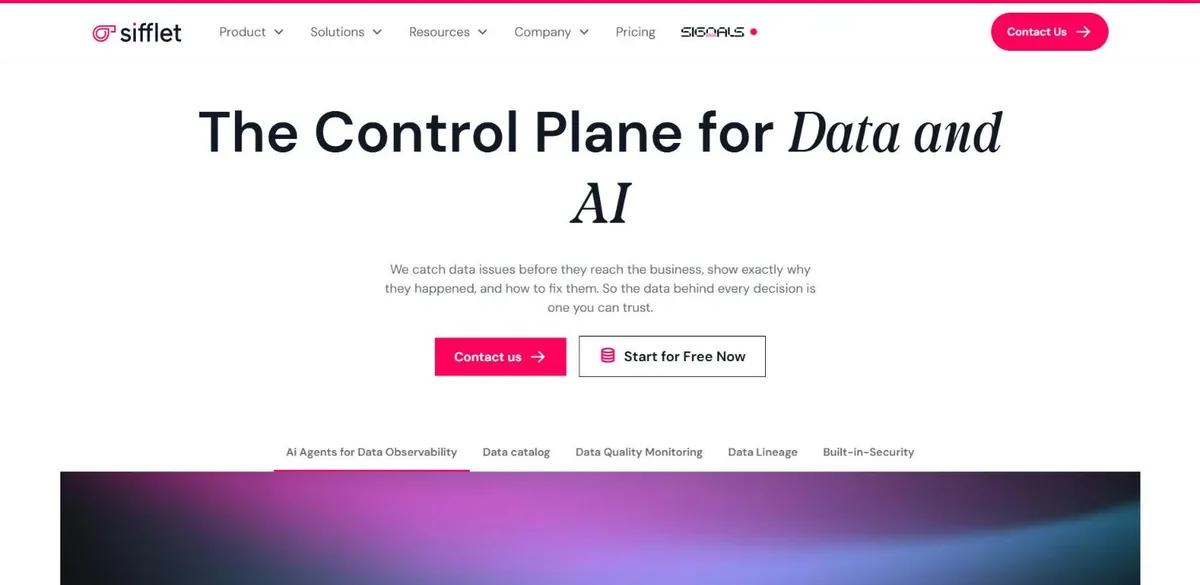
What it does: Monitoring with business lineage and incident triage. The detectors are table stakes here. What Sifflet sells is a way of deciding which alerts deserve a human.
Who this is for: Mid-market data teams past 500 assets whose alerts land in front of business stakeholders and not only engineers.
Sifflet publishes the one thing every other gated vendor hides: the ceiling. Entry covers 500 assets, Growth 1,000, Enterprise beyond that. So you can work out which tier you need before you speak to anybody, even though you still cannot work out what it costs.
The complaint that keeps coming back is specific, and worth weighing. Custom monitors. Seventeen of its 57 G2 reviewers mention limited customisation, and one mid-market reviewer describes the anomaly model retraining at the slightest deviation.
Key Features
- Asset limits published per tier, so the right tier is knowable in advance
- 32 named integrations covering warehouses, BI tools and notification channels
- Self-serve Entry tier, buyable through a marketplace
- Self-hosted deployment available on Enterprise
- Three published support tiers rising to 24/7 white-glove
Pros and Cons
Pros
- Asset ceilings are published for every tier, so you can size it yourself
- An unprompted practitioner account of running it, in the top-ranking thread
- Entry tier does not require a sales cycle to buy
- Documentation good enough that reviewers single it out for API work
Cons
- No published price despite publishing everything else
- The anomaly model retrains on small deviations, which blunts the thresholds
- Incident descriptions are too technical to forward to a business owner unedited
- Custom monitors are the ceiling: 17 of 57 G2 reviewers cite limited customisation
What Users Say
Proactive incident management, intuitive interfaces that allow sharing data responsibility with business units. Well-made documentation that makes integration via API easy. The ML model for modeling past event flow does not work well enough, with thresholds updating at the slightest deviation.
Thibault A., head of development and data, Mid-Market on G2
We started using Sifflet a few months ago after trying to get by with dbt tests and a few custom alerts. Honestly, it’s been worth it. The biggest win has been catching data freshness and schema issues before they hit dashboards.
u/Immediate_Orchid376 on Reddit, r/dataengineering, one year ago

Pricing
Not published. Entry, Growth and Enterprise tiers are defined by asset count, at 500, 1,000 and beyond, with SaaS-only deployment below Enterprise, where hybrid and self-hosted become options.
Bottom Line
The strongest option for a team whose alerts already fire and go unread. Seventeen of 57 reviewers raise customisation limits, so if your checks are unusual, raise it on the first call rather than the third.
Choose Sifflet when your problem is working out which alert to act on rather than whether one fired. Expect to argue about custom monitors.
4. Monte Carlo: Best for Detection Nobody Has to Write Rules For
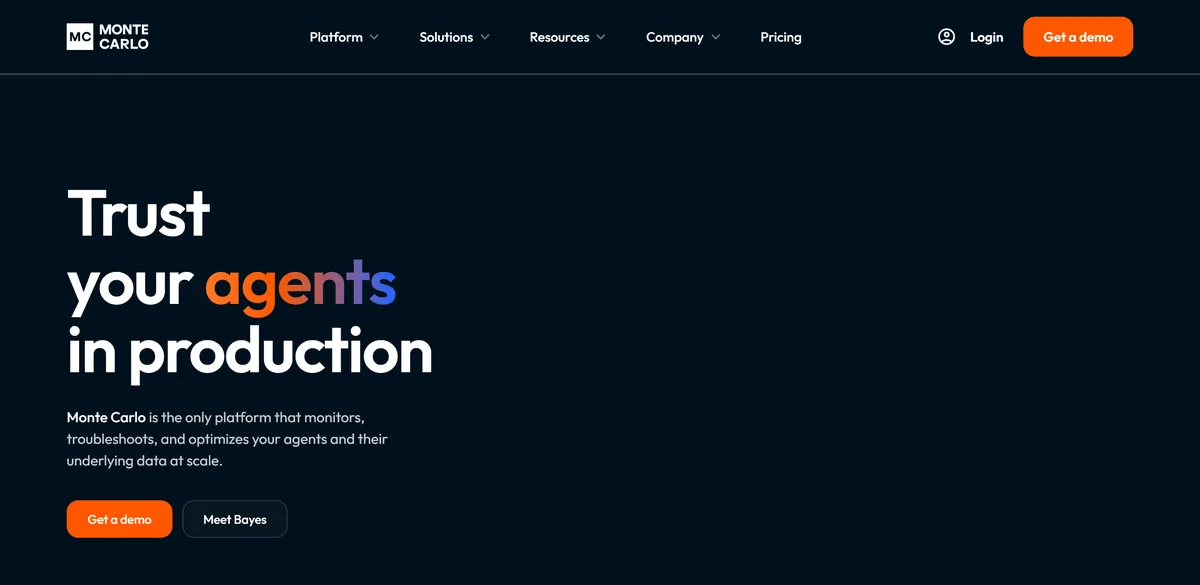
What it does: ML-based incident detection across warehouses, lakes, BI tools and orchestrators, with column-level lineage and an incident workflow sitting on top.
Who this is for: Enterprise data platform teams running mixed warehouses, lakes and BI, with a procurement process that can absorb a credit-based contract.
There is no price and no trial. Four tiers, credits consumed against published rates, and a cost per credit that depends on a tier somebody will help you choose. The only two buttons are Request pricing and Get a demo.
The integrations grid lists 86 entries. Take out the waitlist and agent-framework items and you are still left with nine warehouses, nine lake engines, six orchestrators and seven BI tools. Nobody else here comes close. It also carries 552 G2 reviews, against a field median of 55.

Key Features
- ML monitors for freshness and volume that need no rules written
- Column-level lineage across warehouse, BI and orchestration
- An incident management workflow on top of the alerts
- A stated 50+ systems across 8 categories, with 86 entries in the grid
- Self-hosted storage, PII filtering and audit logging on the Scale tier
Pros and Cons
Pros
- The broadest coverage here by a clear margin
- Monitors that work without anyone writing rules first
- 552 G2 reviews, an order of magnitude more evidence than most of this field
- Tables are onboarded automatically rather than one at a time
Cons
- No price at all: credits, with the cost per credit depending on a tier you have to be sold
- No trial and no free tier, so evaluation starts with a sales call
- Reviewers want dashboard customisation and dbt test results pushed in
- Access is developer-shaped. One enterprise reviewer reports that only developers get in.
What Users Say
We used monte carlo. Was very helpful in getting freshness, schema change alert. We were able to write custom test on it too.
u/ibnjay20 on Reddit

I really appreciate the ML monitoring for freshness and volume. It’s great because it’s super easy to set up and works with a high degree of accuracy. I would love to see more customization be available at a dashboard level and the ability to push dbt test results into it.
Steve G., Manager of data observability and software engineering on G2
Pricing
Not published. Four tiers, called Start, Scale, Enterprise and Business Critical, priced in credits, with the cost per credit varying by tier. No free tier and no trial. The entry points are a demo request and a product tour.
Bottom Line
The most capable platform in the category, and the one that tells you least before you commit. Teams with a procurement process absorb that. Teams without one should be honest that a quarter of evaluation is the actual price of entry.
Monte Carlo covers more of the stack than anything else here, which is worth the sales call if you ingest sources nobody has rules for. Budget for a quote rather than a price.
5. Elementary: Best for dbt Teams Who Want to Read the Source
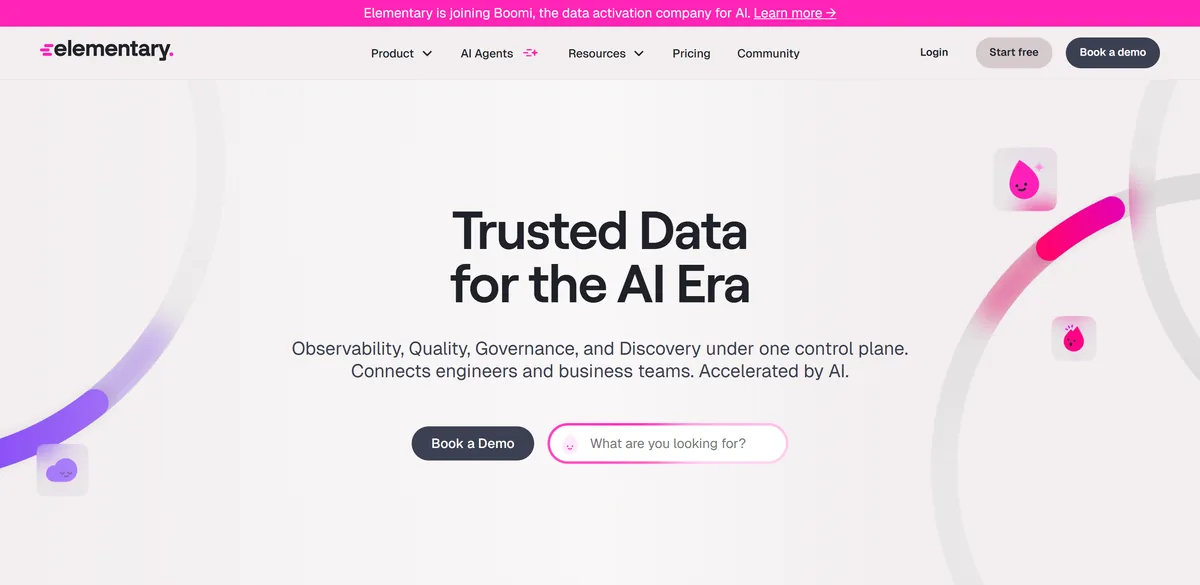
What it does: An Apache-2.0 CLI and dbt package that turn the dbt tests and artifacts you already have into monitoring, with a hosted cloud product layered on top.
Who this is for: dbt-native teams of one to ten who already own their transformation layer and want the detection logic open to inspection.
Apache-2.0, 2.4k GitHub stars, installed as a CLI next to a dbt package, reading the artifacts that package already collects. You could have it running tonight without an account or an email address. The limit sits in the same sentence: no dbt project, no Elementary.
Cloud pricing is the weak spot, quite literally. The per-extra-1,000-tables field reads “$ per extra 1K” with nothing in it, and plans stop at 3,000 tables. The site also now carries a banner saying Elementary is joining Boomi, which is worth knowing before you build on it.

Key Features
- Apache-2.0 CLI plus dbt package, self-hostable with no account
- A free CLI version sufficient to start with, per reviewers
- Data health score and column-level lineage in the cloud product
- Alerts to Slack and Microsoft Teams from the open-source edition
- SOC-2 Type II on the hosted product
- Being acquired by Boomi, announced on its own pricing page
Pros and Cons
Pros
- Runs today with no account and no card
- Apache-2.0 with 2.4k stars, so you can read the detection logic yourself
- Fits where dbt teams already work, using artifacts they already produce
- A real exit: stop paying and keep running the community version
Cons
- dbt is effectively mandatory
- Cloud pricing is unpublished, so only the open-source half has a knowable cost
- Listed plans cap at 3,000 tables, so the ceiling arrives in view early
- Reviewers want clearer UI sections and better automatic anomaly detection
What Users Say
Elementary, on the other hand, is lightweight, dbt native, and code driven. Setup was smooth, it’s easy to manage day to day, and it doesn’t overwhelm us with unnecessary alerts.
u/Boring_Analysis_6057 on Reddit

I would say that some sections of the UI are not clear enough and I hope Metrics feature and their automatic anomaly detection could improve soon, but so far I am very comfortable with the tool.
Alonso A., Staff Data Engineer on G2
Pricing
The open-source CLI is free under Apache-2.0. Cloud plans, called Scale, Enterprise and Unlimited, publish seat and table limits but no prices, and the per-extra-1,000-tables figure is left blank. A 30-day trial covers all features of an “Essentials” plan that does not otherwise appear in the lineup.
Bottom Line
The right first move for a dbt shop. Install it, see what it catches, then decide whether a paid platform is worth the money. If you are shopping specifically for open source, the other two names worth knowing are re_data, which has not taken a commit since April 2024, and OpenMetadata, which is Apache-2.0 and busy at 15.6k stars but is really a metadata catalogue that runs quality tests.
The one to try first if you run dbt. You can install it this afternoon under Apache-2.0 and judge it on what it catches.
6. Acceldata: Best for Hybrid Estates Watching Compute Spend
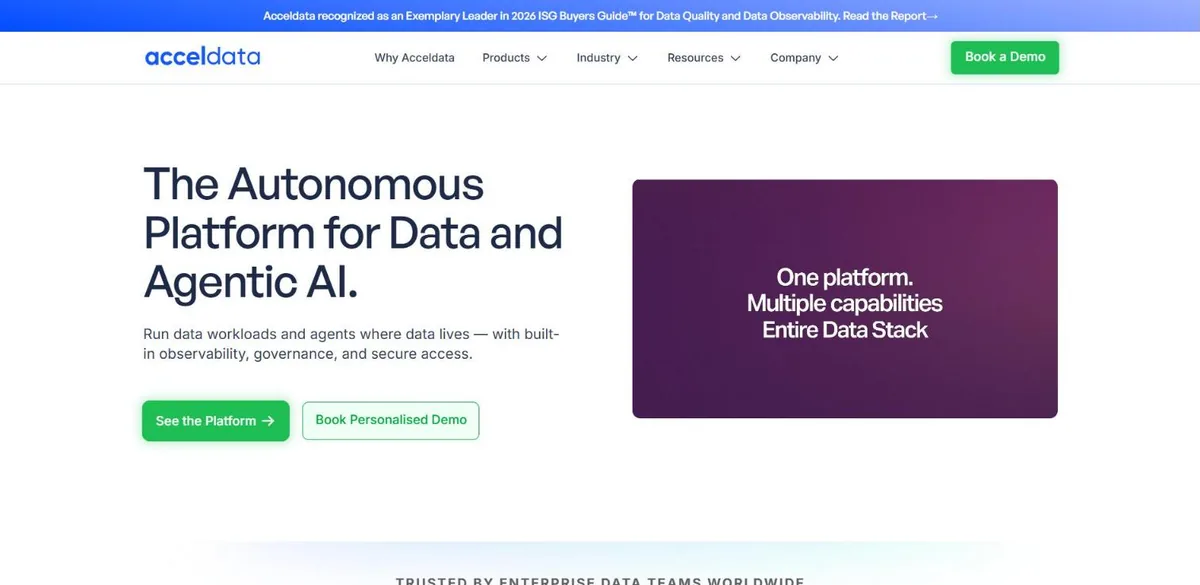
What it does: Data reliability and compute-cost observability, sold as two products that share a console, with hybrid and on-premises deployment.
Who this is for: Enterprise platform teams running on-premises or hybrid estates where infrastructure cost sits with the same team as reliability.
Four tiers across two products, and not one dollar figure between them. The 30-day trial sits on the cost optimisation product rather than data reliability, both reliability tiers say Contact Sales, and reviewers warn that deployment takes extensive planning up front.
Acceldata takes on the part of the market everyone else has drifted away from: estates that do not live entirely in a cloud warehouse. It also treats compute cost as a product in its own right rather than a dashboard widget, which matters a lot once the Snowflake bill becomes a board conversation.

Key Features
- Policies and alerts set per pipeline stage rather than per table
- Compute and cloud cost monitoring alongside data quality
- Hybrid and on-premises deployment, not SaaS-only
- Two separately licensed products: data reliability and cost optimization
Pros and Cons
Pros
- One of the few platforms here that takes on-premises and hybrid seriously
- Cost optimisation is a real product, not a chart
- Stage-level policies suit teams whose incidents are pipeline failures
- Reviewers single out pipeline observability as the strongest part
Cons
- No published price, and the free trial covers the other product
- Deployment is slow and needs planning before it starts
- The feature surface demands specialised training
- Two unlabelled compliance badges, so the actual certification is unverifiable from the site
What Users Say
Pipeline observability is the best part of it, it was easy to manage pipeline and have alerts and policies set at each stage of the pipeline, which is crucial for the enterprise customers
Dhanush R., Senior Technical Customer Success Manager on G2
Deployment of Acceldata is time consuming, with extensive prior planning and this makes some subscribers feel tired
Verified G2 reviewer, 4.5 out of 5 on G2
Pricing
Not published. Data reliability (ADOC) has PRO and ENTERPRISE tiers, both Contact Sales. Cost optimization has PRO and ENTERPRISE, and the 30-day free trial attaches to cost optimization PRO.
Bottom Line
Hybrid and on-premises estates have been quietly abandoned by most of this category, and Acceldata has not abandoned them. That is worth a sales call, and worth the planning the deployment will ask of you. On a clean cloud warehouse you would be paying that cost for nothing.
Acceldata is the only entry here that takes hybrid and on-premises estates seriously, and that is the one situation where its deployment effort pays for itself.
7. Anomalo: Best for Explaining the Anomaly to a Non-Engineer
What it does: Unsupervised machine learning that profiles your tables and flags problems with no rules configured, extended to unstructured documents as well.
Who this is for: Data teams inside analytics or risk functions whose alerts get read by business owners rather than by the people who wrote the checks.
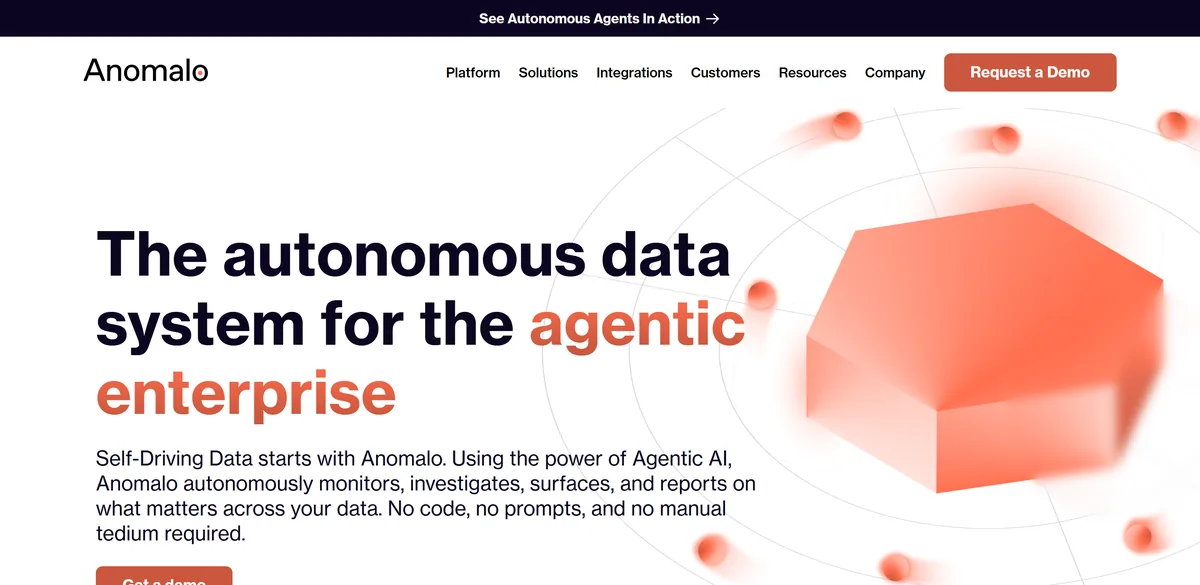
Hunt for a price on anomalo.com and you will run out of pages before you find one. The nav reads Platform, Solutions, Integrations, Customers, Resources, Company, Request a Demo, and every one of those routes ends at the same demo form. Compliance, to be fair, is stated plainly on the homepage.
An Anomalo alert arrives with its own diagnosis attached, instead of a column that merely looks odd. That changes who you can usefully page at 9am. It also reaches past structured tables into unstructured documents, which is a direction almost nobody else in this category has gone.

Key Features
- Unsupervised detection with no manual rule setup
- Automated root-cause diagnosis alongside the alert
- Warehouse-native integration
- Monitoring that extends beyond tables to unstructured documents
Pros and Cons
Pros
- Unsupervised detection with no rules to configure, which is the differentiator against check-based tools
- Alerts arrive with diagnosis, so whoever is paged is not starting from zero
- Reaches unstructured documents, a direction most of this category has not taken
- 4.4 out of 5 across 44 G2 reviews, with SOC 2 Type II, GDPR and HIPAA stated openly
Cons
- No pricing page and no pricing link anywhere on the site
- The models need tuning before they fit a specific business
- Dashboards and reporting views need more customisation
- A learning curve for teams new to data quality tooling
What Users Say
Some users may find Anomalo’s machine learning models require fine-tuning to align perfectly with specific business needs. Additionally, its advanced features might have a learning curve for teams unfamiliar with data quality tooling.
Ronny B., Senior Enterprise Account Executive on G2
I would appreciate more customization options in specific dashboards and reporting views. The current functionality is effective, but added flexibility would allow for a more tailored experience.
Pranjali B., Business Analyst on G2

Pricing
Not published, and there is no pricing page to read. Every call to action is a demo request.
Bottom Line
Everything about Anomalo points at the same user: the person reading the alert is not the person who built the pipeline. That is a real and underserved buyer. The frustrating part is that you cannot form any view on cost without entering a sales process.
Right when the person reading the alert is not an engineer, since detection is unsupervised and the alert explains itself. There is no price anywhere and no trial.
8. IBM Databand: Best for Incidents That Start in Airflow or Spark
What it does: Pipeline-first observability for Airflow and Spark workloads, now delivered inside IBM watsonx.data integration instead of as its own product.
Who this is for: Enterprise teams with an existing IBM footprint whose failures look like dying jobs.
Databand watches the job, not the table. If your incidents are a Spark task dying at 3am, this hands you the cause while everything else is still reporting the symptom. It sits beside your orchestrator and leaves it alone.
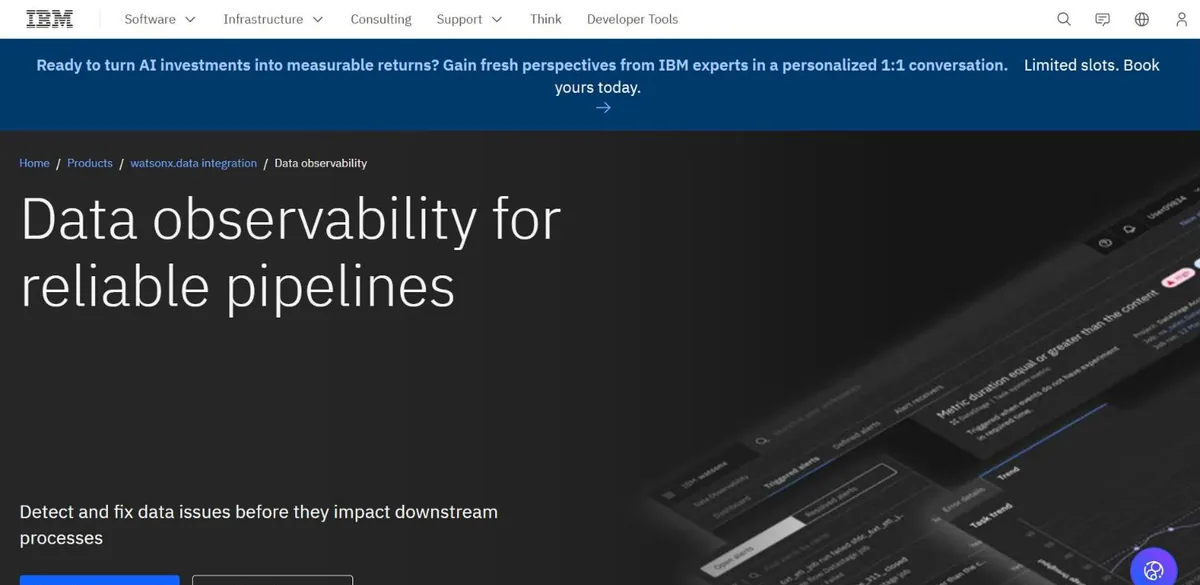
It is also not quite its own product any more. The old pricing URL now serves an IBM watsonx.data integration page with no plans, no prices and nothing about how it is billed. Whatever you end up paying, you will hear it from a salesperson first.

Key Features
- Monitoring that starts at the Airflow or Spark job, not the table
- Alerting on pipeline failures and data anomalies together
- Delivered within IBM watsonx.data integration
- A registration-gated free trial of unstated scope
Pros and Cons
Pros
- The right shape for teams whose incidents are job failures
- 66 G2 reviews, the third-largest base here, and reviewers call it easy to use
- Sits inside a stack many enterprises already buy, which shortens procurement
- A trial exists without a sales call, unusual among the gated six
Cons
- Folded into watsonx.data integration, so the thing you buy is an IBM platform with Databand inside it
- No published price, and the old pricing URL now serves a different product
- Complex pipelines are hard to navigate, and new users find it overwhelming
- Reported gaps in third-party integrations
What Users Say
I actually loved the dashboard and simplicity of using it. Key metrics are easily accessible. End to end visibility in data pipeline, clear understanding of flow and transformation of data which eased the development as well as root cause analysis of ETLs.
Hardik P., Senior Software Engineer on G2

User-friendly and easy to use, love this tool.
Vijayaganapathy J., Data Analyst on G2
Pricing
Not published. The former pricing URL now serves an IBM watsonx.data integration page with no plans, prices or billing units. A free trial exists behind a registration form that does not say what it covers.
Bottom Line
It makes sense for an IBM shop, or for a team whose pain is orchestration-shaped. Everyone else is buying a platform in order to get one feature.
IBM Databand now ships inside watsonx.data integration. It suits teams already buying IBM whose incidents begin with a job dying at 3am.
9. Bigeye: Best for Reporting Data Reliability to a Business Owner
What it does: Warehouse-centric monitoring: freshness and volume checks, custom SQL checks, and an agent for sources sitting behind a network boundary.
Who this is for: Warehouse-centric teams who report reliability upward and need the concepts to survive the trip to a non-technical owner.
The core ideas are simple enough to explain to somebody who does not work in data, and its reviewers say as much. When the person asking “can I trust this dashboard?” is a department head rather than an engineer, that clarity does more good than another detector would.
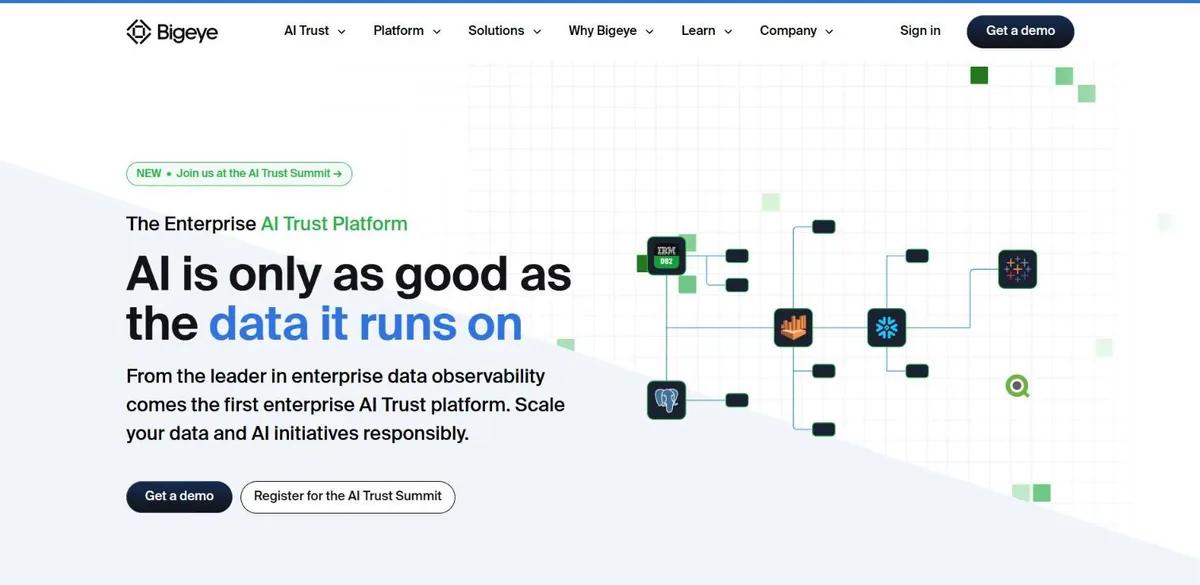
Transparency is where Bigeye finishes last. /pricing returns a 404, the navigation carries no pricing link at all, and nothing is published about its compliance posture. At 22 G2 reviews it also has the thinnest evidence base of the sales-gated platforms here.

Key Features
- Freshness and volume checks, plus custom checks written in SQL
- An agent-based connection model for sources behind a network boundary
- Reporting aimed at owners outside the data team
- A self-guided product tour in place of a trial
Pros and Cons
Pros
- Concepts simple enough to understand at a glance while still offering depth underneath, per Jaime W.
- The agent model reaches sources a SaaS-only tool cannot
- The easiest product here to hand to someone outside the data team
- Reviewers describe getting real use out of the custom SQL checks
Cons
- No pricing page: /pricing is a 404 and no pricing link exists in the nav
- The lowest G2 rating of the nine, 4.1, on 22 reviews
- Workspace management sprawls: one reviewer runs ten connections to a single Snowflake account
- A reviewer reports sales commitments outrunning what delivery was ready for
What Users Say
I like how at its core the Bigeye concepts are simple and easy to understand at a glance
Jaime W., Data Platform Engineer on G2

workspace management has been a bit much. i have 10 different connections to the same snowflake account. Sales team mightve promised things that engineering/customer support werent ready to deliver.
Verified User in Information Technology and Services, Enterprise on G2
Pricing
Not published, and there is no pricing page. A demo request and a self-guided product tour are the only ways in.
Bottom Line
Look here if communicating reliability outward is the actual job. Go in knowing you will learn the price last, and put anything sales promises in front of the delivery team before you sign.
Bigeye’s model is the easiest one here to hand to a business owner, which is most of its case. Everything about what it costs, you learn on a call.
Which Data Observability Tool Should You Choose?
Choose Metaplane if:
- You want monitoring running this week
- Your team is small enough that 10 free tables is a real start
- Datadog is already in your stack, or at least not objectionable
Choose Soda if:
- You already run checks in CI and want the anomaly layer on top
- You need to budget before you can buy
- You want SSO and RBAC without an enterprise negotiation
Choose Sifflet if:
- Your detection works and your alert queue is ignored
- You need to know the tier before you call
- Business users are supposed to own data quality
Choose Monte Carlo if:
- You ingest sources you did not build and cannot test
- Coverage across a sprawling stack is the binding constraint
- A procurement cycle is acceptable
Choose Elementary if:
- Your transformation layer is dbt
- You want to read the detection logic
- You would rather self-host than sign
Choose Acceldata if:
- Your estate is hybrid or on-premises
- Compute spend is a board-level problem
- You can absorb a planned deployment
Choose Anomalo if:
- Non-engineers must act on data alerts
- You need unstructured documents watched too
- You are comfortable entering a sales process to learn the price
Choose IBM Databand if:
- Your incidents start in Airflow or Spark
- You are already buying IBM
- Orchestration visibility matters more than table-level detection
Choose Bigeye if:
- You report reliability outward to business owners
- Simplicity beats depth for your team
- You will push hard on delivery commitments before signing
Skip this category entirely if:
- You run one warehouse with a handful of models you know well. Freshness and volume checks on your twenty most-used tables, plus dbt tests, will catch most of what hurts.
- Nobody can triage an anomaly within a day. The queue gets muted in a month and you will have paid for the privilege.
- The pipelines themselves are the problem. A detector pointed at a broken pipeline learns the breakage as normal.
What’s the Best Data Observability Tool in 2026?
For most teams, Metaplane. Other platforms here are more capable, but Metaplane is the only one that lets you find out whether it works before you commit to anything. Soda is the pick when the number matters more than the onboarding, since it publishes the only monthly price in the category. Monte Carlo would probably win a feature comparison, and it still sits fourth, because evaluating it starts with a sales call and ends without a price.
The gap between what these tools can do and what they will tell you is the thing that stayed with us. Six of the nine will not show you the product. Two publish no price anywhere on their website. Six publish no capacity limit of any kind. Any list that hands all nine a confident score out of ten is scoring the marketing, which is why there are no scores in this one.
Start with the free tiers. They exist, and it costs you nothing to prove them wrong. Move up to Monte Carlo or Acceldata when scale or a complicated estate forces it. And before you spend anything, be honest about whether the pipelines underneath are worth watching yet.
After You Choose: Who Builds the Thing It Watches
Every tool above assumes there is a pipeline worth monitoring. That assumption is where a lot of observability projects fall over. The platform goes in, learns the current behaviour as its baseline, and starts cheerfully reporting that an already-wrong number is reliably wrong. No pricing page fixes that.
Algoscale’s data engineering team builds the layer underneath: ingestion, modelling, orchestration, the checks that run against all of it, and the handover to whoever keeps it alive after we go. We stay platform-agnostic, because the right tool depends on your stack and not on what we happen to resell. On a recent AWS warehouse modernisation, that meant every pipeline shipped with orchestration, retries, alerting and observability built in from day one instead of bolted on after the first incident.
- Warehouse and lakehouse modelling, built to be monitored
- Pipeline development with checks and alerting in from the first sprint
- Migration of estates that already exist, without a rewrite nobody asked for
- Governance and handover, so your team owns it once we leave
Ready to put this into production?
Algoscale’s data engineers have built and migrated data platforms for retail, fintech and manufacturing teams. Book a free consultation and we will scope yours with you.
Frequently Asked Questions
What is the difference between data observability and data quality testing?
Data quality testing checks rules you wrote: this column is never null, these totals match. dbt tests, Great Expectations and Soda Core all work this way, and they only find the problems you thought of. Data observability learns what normal looks like for your data and flags what nobody wrote a test for, such as an unexpected schema change, a volume drop, a freshness gap or a shift in the distribution. Most mature teams run both: tests for the rules they can state, observability for the failures they cannot predict.
Which data observability tools have a usable free tier?
Three of the nine. Metaplane has a free forever plan covering 10 monitored tables with no credit card. Soda’s Free plan is $0 a month with unlimited users and pay-as-you-go usage beyond that. Elementary’s CLI is Apache-2.0 licensed and you can self-host it for nothing, with a 30-day trial of the cloud product on top. The other six keep the product behind a demo request, a registration form or a sales-assisted tier. Sifflet’s Entry tier is self-serve but advertises no trial, IBM’s trial sits behind a registration form that never says what you get, and Monte Carlo, Acceldata, Bigeye and Anomalo all begin with a sales conversation.
Is a data observability tool worth it, or overkill?
It depends on whether anyone can act on an anomaly. These platforms flag statistical deviations and then ask a human whether each one matters. Without somebody who knows the data well enough to answer, the alerts get muted. An engineer in r/dataengineering summed it up a year ago: they are “overkill for the price, but I think some level of observability is essential”. If you own a handful of sources you understand, freshness and volume checks plus dbt tests cover most of the risk. Buy a platform when you are ingesting data nobody on your team controls.
What are the five pillars of data observability?
Freshness, meaning whether data arrived on schedule. Volume, whether the row counts are what they should be. Distribution, whether values fall in the ranges you expect. Schema, whether the structure changed underneath you. Lineage, which upstream and downstream systems a problem touches. Almost every vendor here organises its monitoring around those five, which is why the feature lists look so alike, and why price, integrations and setup effort end up deciding the purchase.







